

Speed Up Your Windows 11 PC in Just a Few Clicks! ⚡🖥️
- Ben Bowyer
- Jun 24
- 1 min read


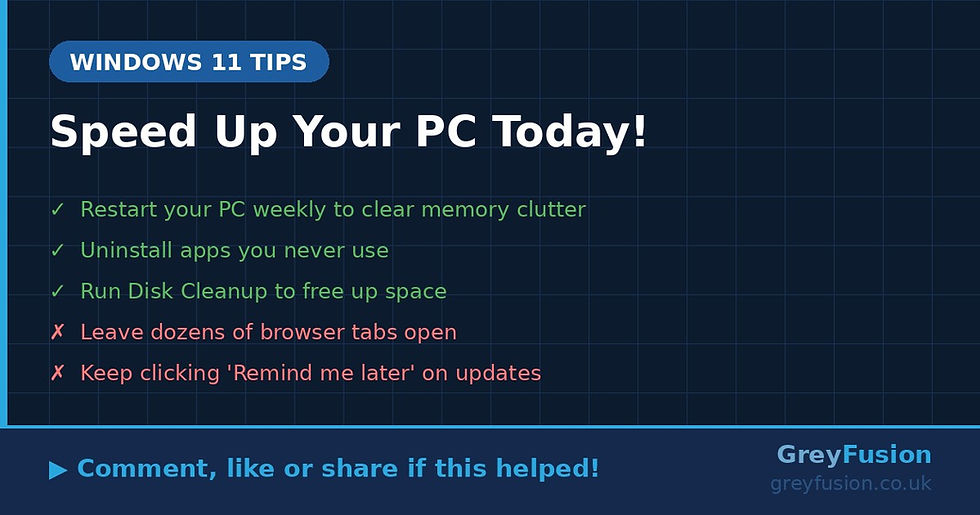
Is your PC feeling a bit sluggish lately? You're not alone! Over time, Windows 11 can slow down — but the good news is there are a few simple things you can do right now to get it running faster. No tech knowledge needed! 😊
Here's what to try:
✅ Restart your PC regularly — It sounds simple, but restarting clears out temporary files and refreshes your system. Try to restart (not just shut down) at least once a week.
✅ Turn off apps that start automatically — Many apps quietly launch themselves when you turn on your PC, slowing everything down. Here's how to stop them:
1. Right-click the Start button
2. Click Task Manager
3. Go to the Startup apps tab
4. Right-click any app you don't need straight away and click Disable
✅ Free up disk space with Storage Sense — Windows 11 has a handy built-in tool that automatically removes junk files. To turn it on: go to Settings → System → Storage and switch on Storage Sense.
Give these a go and you should notice the difference! 🚀
Have you tried any of these tips before? Let us know in the comments below — and share this with a friend whose PC could do with a boost! 👇
Grey Fusion | greyfusion.co.uk | 0330 111 0114


Comments