

💻 Monday PC Tip: Speed Up Your Windows 11 in 3 Easy Steps!
- Ben Bowyer
- Jun 19
- 1 min read


Is your Windows 11 PC feeling a bit sluggish? You don't need to be a tech expert to give it a boost — try these simple tricks today! 🚀
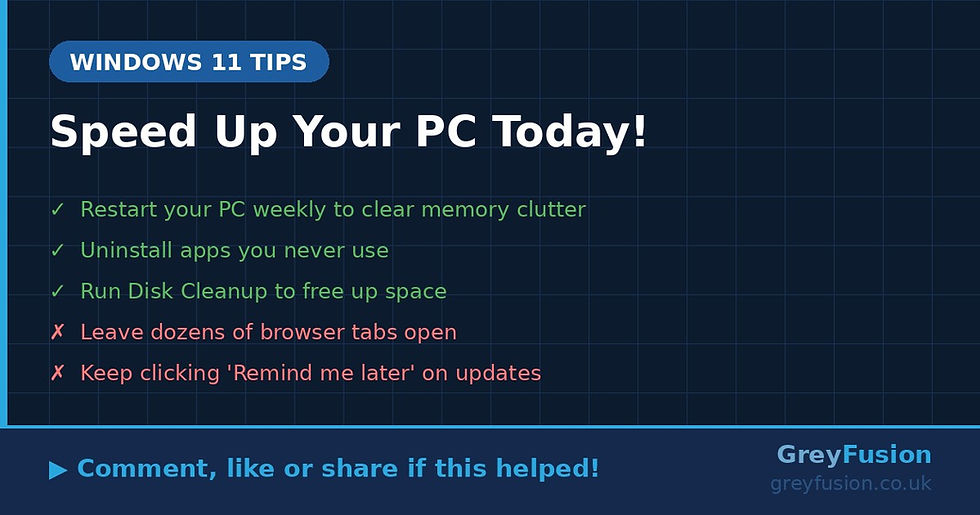
✅ DO these to speed things up:
• Disable startup apps — Press Ctrl + Shift + Esc to open Task Manager, click the "Startup apps" tab, then right-click anything you don't need straight away and choose "Disable." This stops unnecessary programs slowing down your boot time.
• Run a quick storage clean-up — Open Settings > System > Storage, then click "Temporary files." Tick the boxes for things like Temporary Files and Recycle Bin, then hit "Remove files." You'd be surprised how much space this frees up! 🗑️
• Check for Windows Updates — Go to Settings > Windows Update and click "Check for updates." Keeping Windows up to date helps your PC run more smoothly and keeps it secure too. 🔒
Even doing just one of these can make a real difference to how your PC feels day to day!
Give it a try and let us know in the comments — did it help? 👇 And if you found this useful, give it a like and share it with a friend who could do with a speedier PC! 😊
Grey Fusion | greyfusion.co.uk | 0330 111 0114


Comments